Resize the layers ,
Upload one layered SVG, Photoshop or Illustrator file. SvgForge lays it out again at five ad
sizes. Headlines, logos and products keep their proportions; only the background grows to fill each new shape.
No account needed
Free to use
Files removed 2 hours after your last change
nuvia-laundry-pods.svg
1080 × 1080
Download ZIP
nuvia-laundry-pods.svg Drop the layered 1080 × 1080 file
6 of its layers: background, product, text and buttons, each on its own
Share
Layers
1080 × 1080 1:1 post Meta Feed post1200 × 1200 1:1 large Google Display square1200 × 1500 4:5 portrait Meta Portrait post1080 × 1920 9:16 story Mobile Story / Reel1200 × 628 1.91:1 link Desktop Link / banner
Drop the file Layers found Five sizes Adjust a layer Into Figma Photoshop Illustrator Real ads
How it works
From one layered file to five ad sizes
Upload a layered file
SVG, PSD or AI, up to 150 MB. Keep text, logos and products on their own layers.
Check the five sizes
Each size is laid out for you. Sizes that need a closer look are marked for review.
Adjust any layer
Drag a layer or its corner to move or resize it. Proportions stay locked, and a change applies only to the
size you're editing.
Download the ZIP
Every size comes back as a PNG. Files that started as SVG also come back as SVG, with each layer saved on
its own.
Examples
Real ads, every size
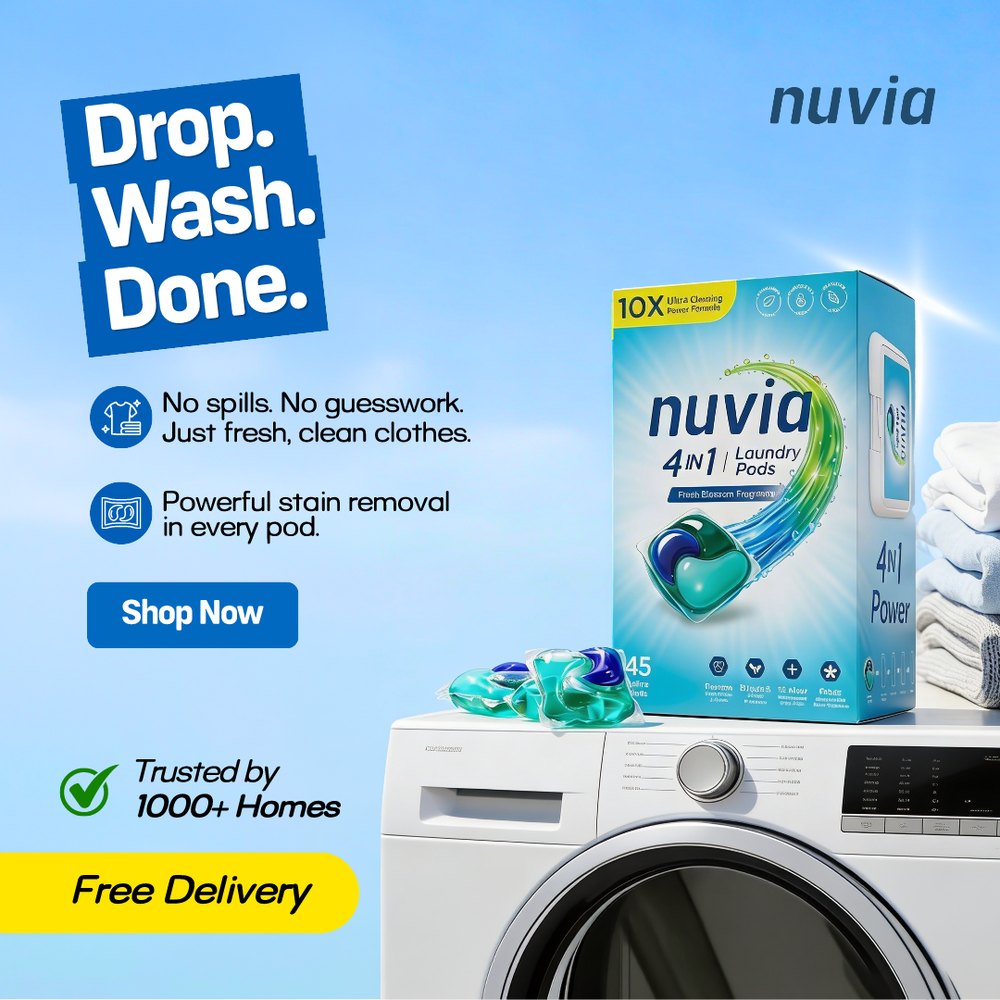
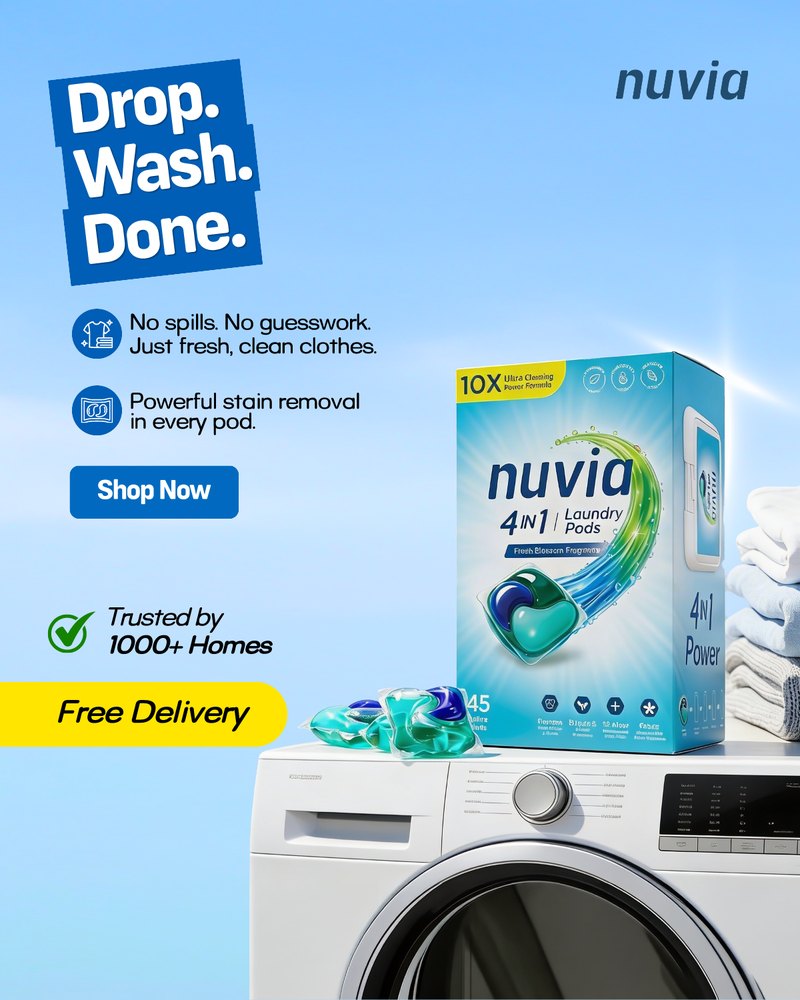
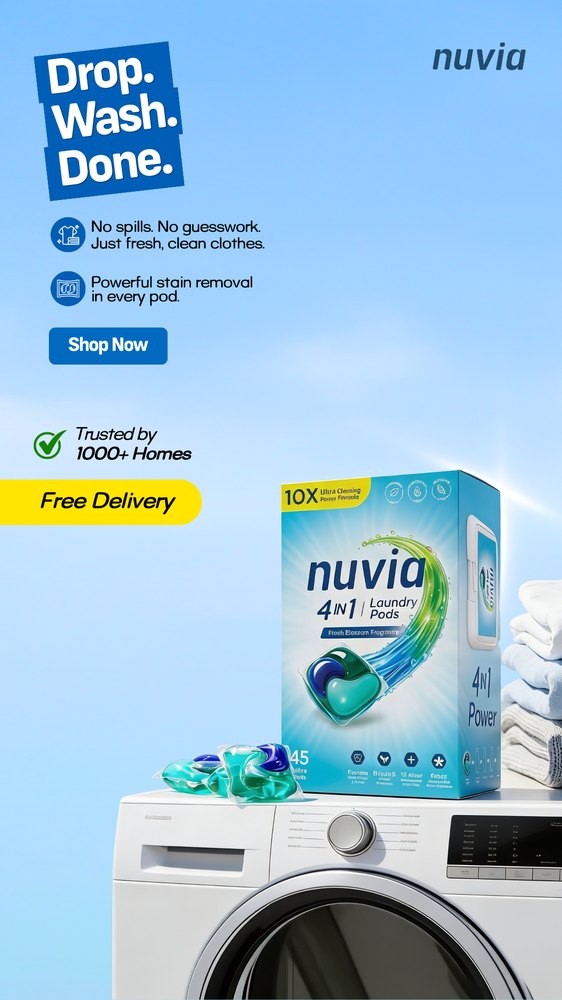
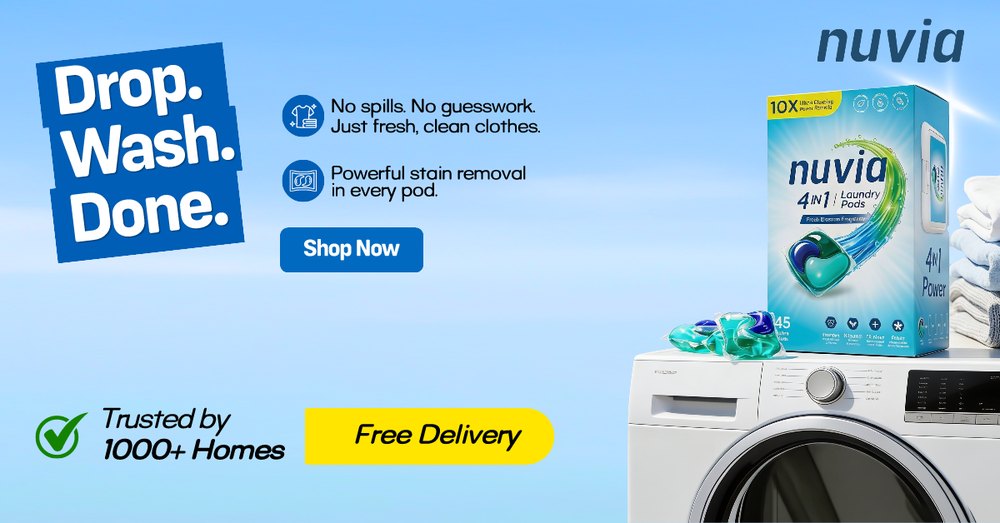
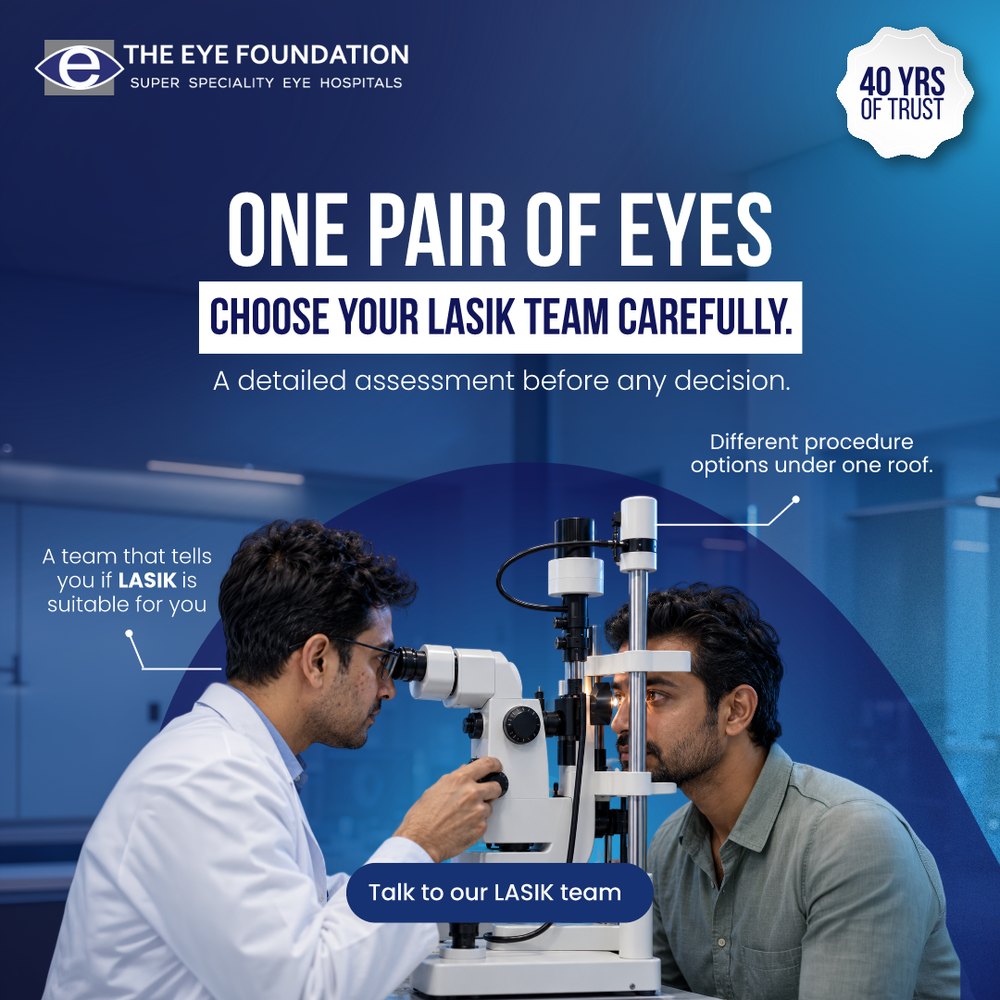
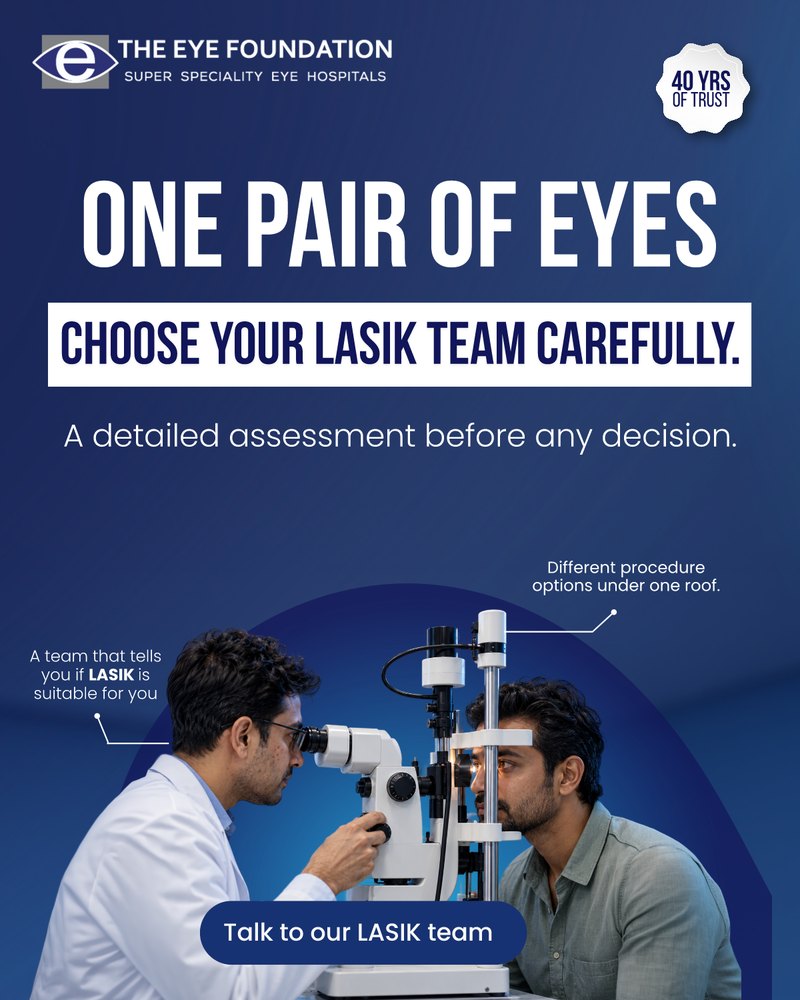
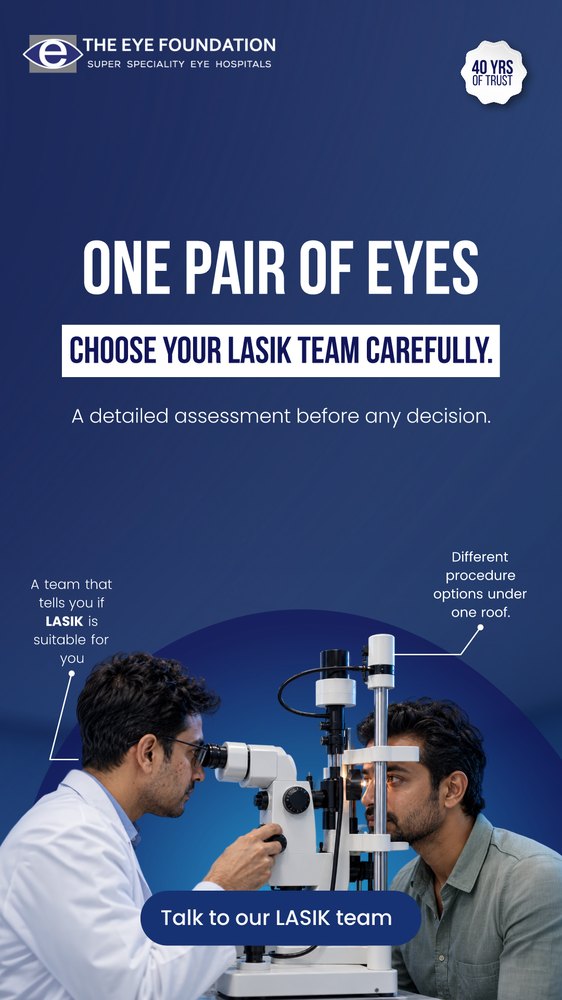
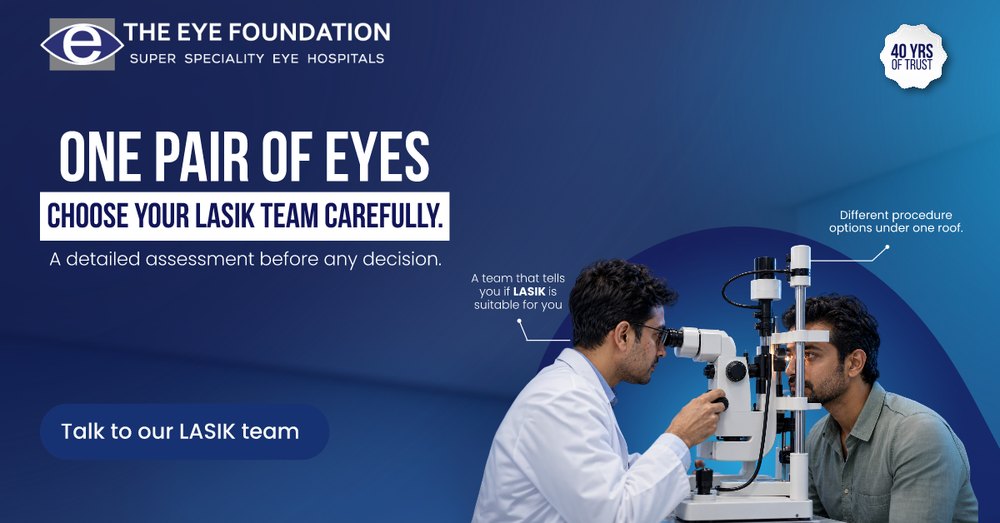
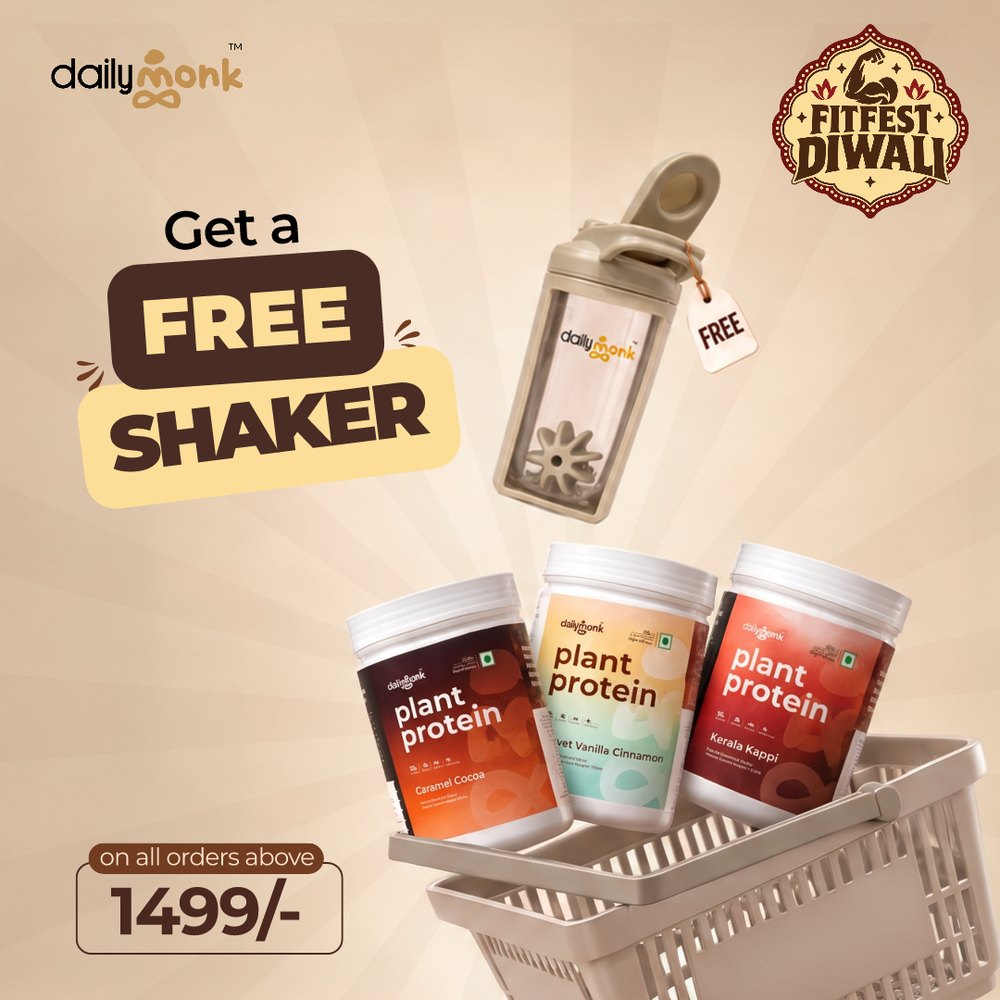
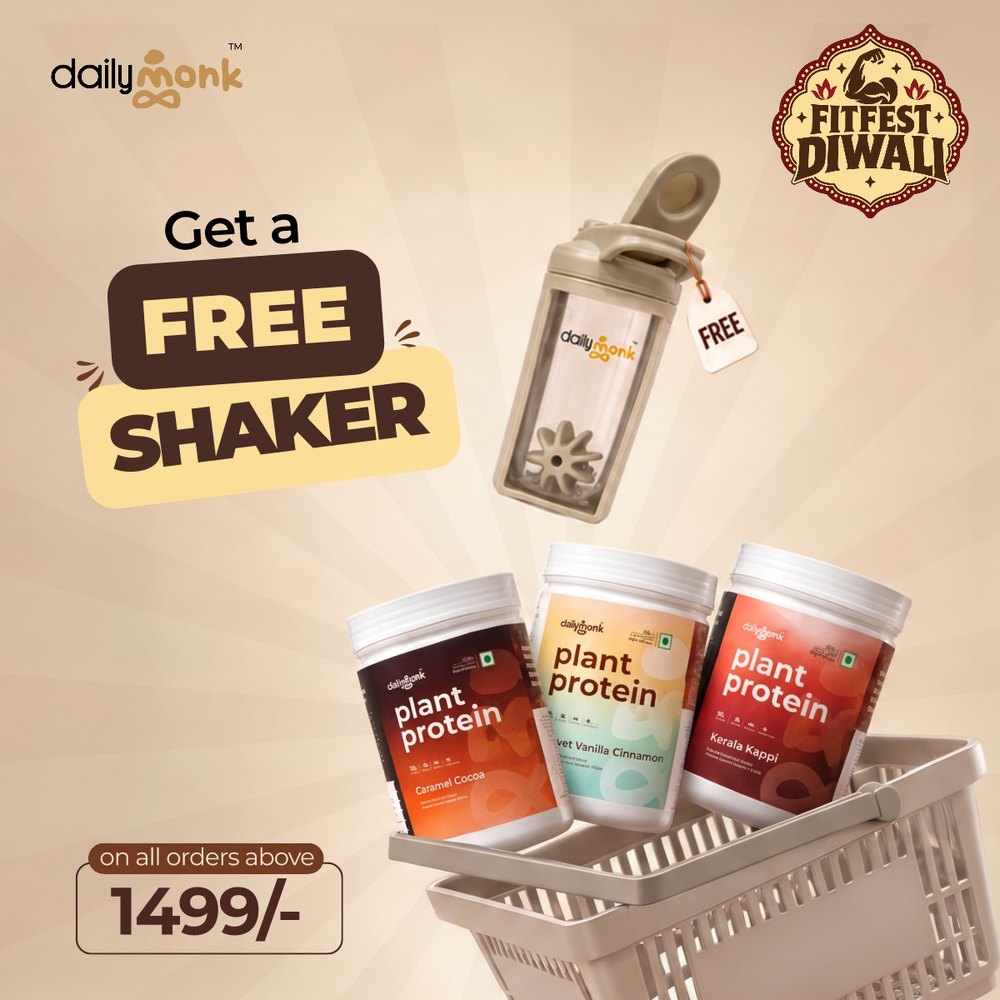
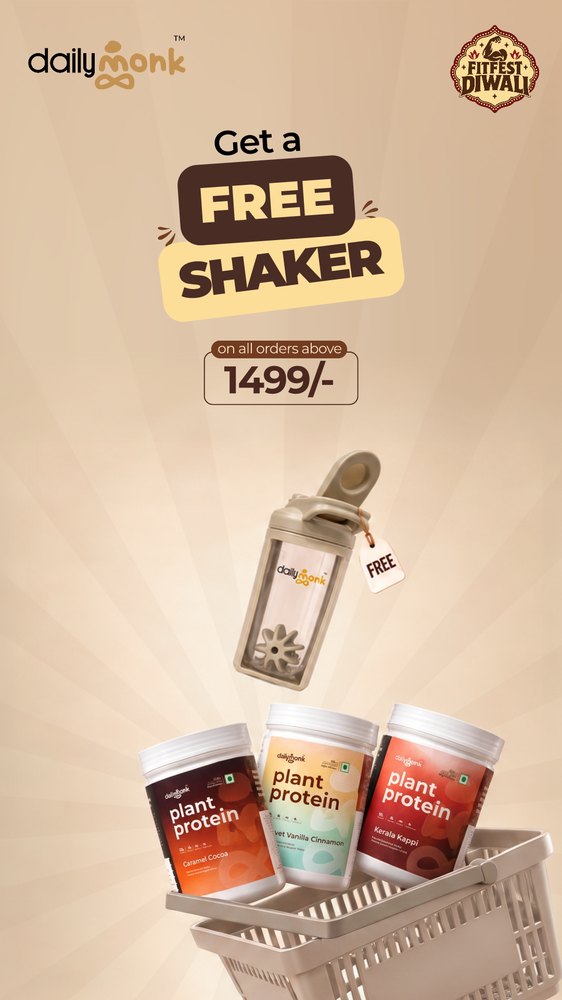
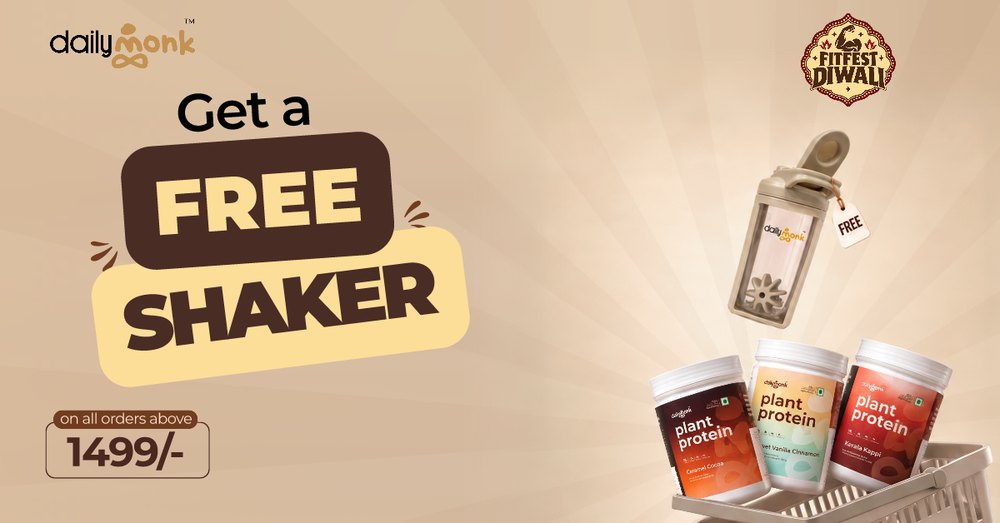
Each card is one layered file, laid out again at five ad sizes. Open any size to see it full size, or try editing one yourself.
Best results
What to expect from your file
Separate layers. Text, logos and products on their own layers rather than merged into
one picture.Room to grow. A background that can extend: open space in a photo, a gradient or a flat
colour.Text as you designed it. Live and outlined text are both kept exactly as they are.
Flattened artwork. When everything is one image, it can be cropped but not rearranged.
Wide crops of tall photos. 1200 × 628 can show less of a portrait photo. These sizes
are marked for review.Photoshop and Illustrator effects. SVG files get the most complete layout support. With
PSD and AI files, look closely at effects and clipping.Your brand rules. SvgForge doesn't know your guidelines, so look over every size
before it goes live.
Summary of the privacy policy
What happens to your files
Your uploaded file is removed from our server's disk as soon as its layers are read.
Layers, previews and results stay in the server's memory while you work, and are removed
2 hours after your last action, or sooner.
We don't keep copies of your files, your edits or your results, and we don't use them to train models.
A single cookie remembers that you accepted the terms. There are no ads, analytics or third-party
scripts.
Read the privacy policy →
Want to try?
We're working to get it delivered to you as soon as possible. Until then, see it at work on real ads.
See the examples →